How to use the phrase-by-phrase scale, interval, and melodic figure practice tools
These tools allow you to practice scales, intervals, and melodic figures, common building blocks of melodies. Practising these elements eases all aspects of playing, from improvisation to sight reading and playing by ear.
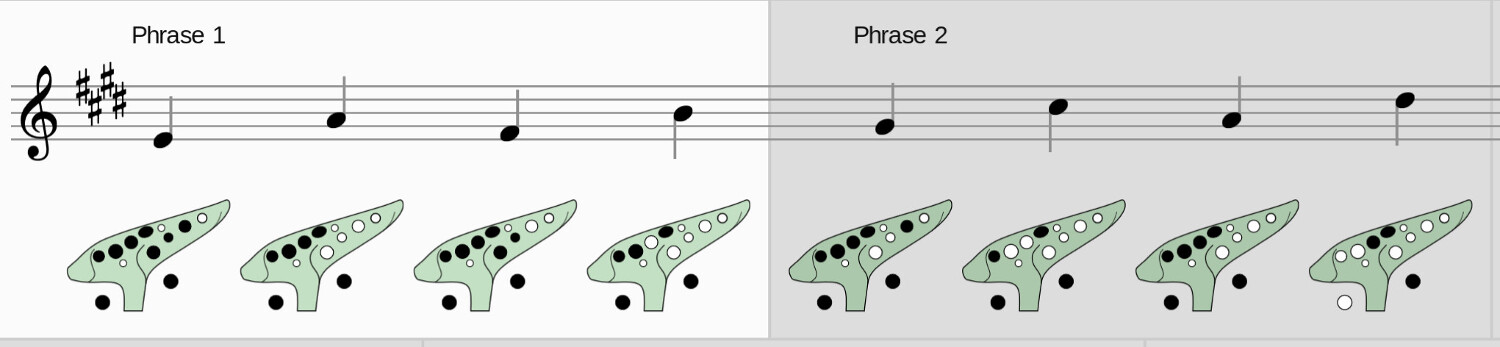
The tool supports practising on various instruments and allows you learn one phrase at a time. It also provides an audio reference to guide your timing and intonation, and can optionally display fingerings to help you learn (this feature is not supported for all instrument presets at the moment).
How to get started with the tools
1: Select your instrument
Selecting the instrument that you're playing sets the playback octave and range of the generated exercise appropriately for that instrument, transposing things to fit. The instrument selection also changes the generated fingering diagrams (where available).
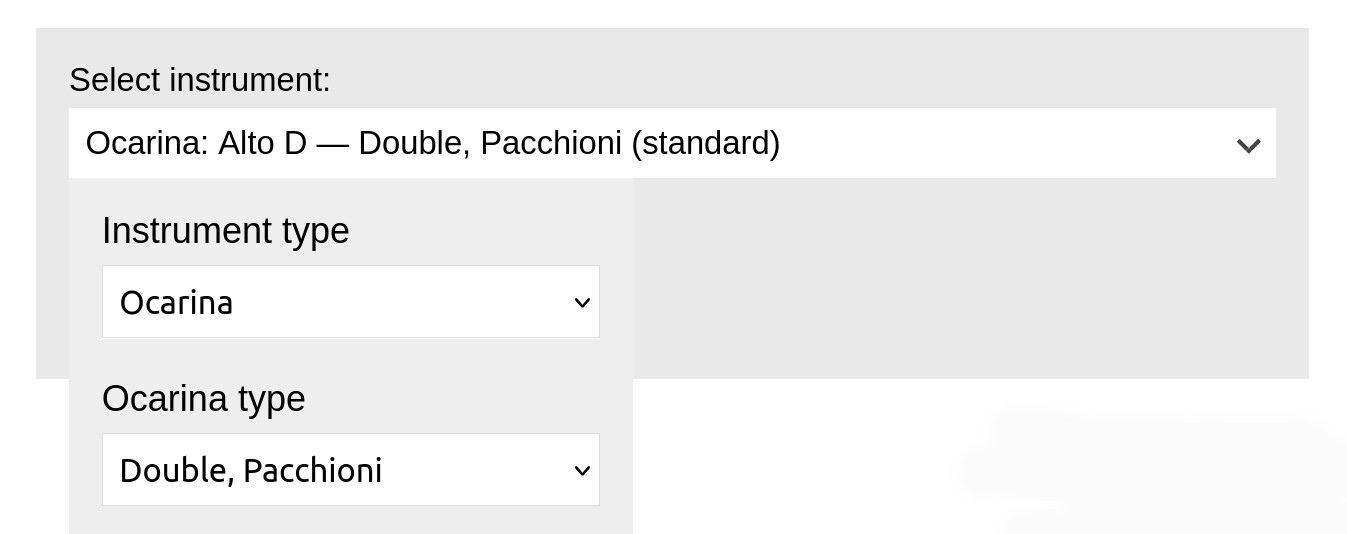
There are presets for a number of instruments including many different types of ocarinas, and various common folk instruments.
2: Select what you'd like to practice
The individual tools have various options depending on what you'd like to practice.
Scale tool
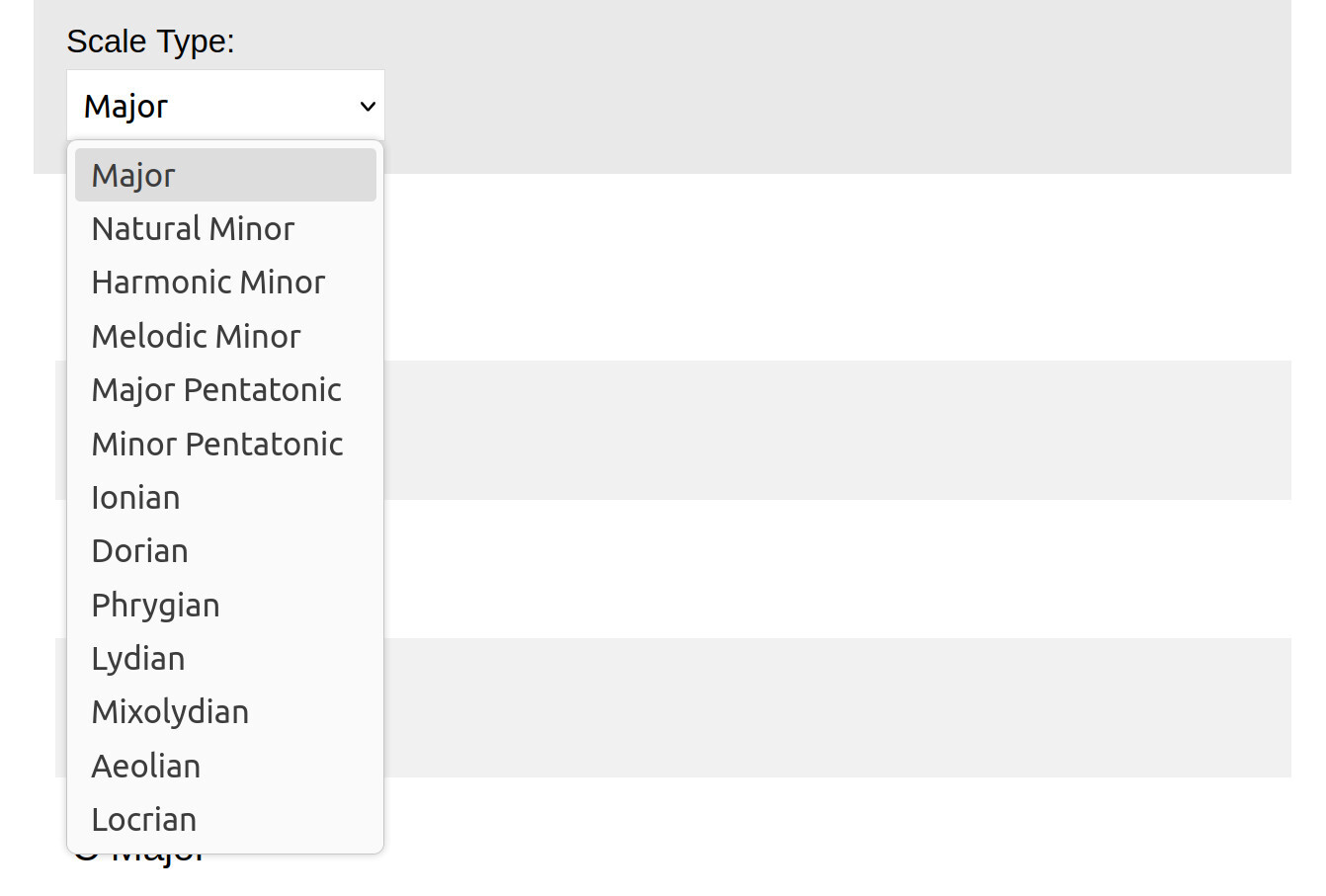
The scale tool allows you to familiarise yourself with the fingerings and breath pressures you need to move around a scale linearly. The tool supports various kinds of scale including major, several kinds of minor scale, and the modes.
Intervals tool
The intervals tool allows you to practice moving around the notes on your instrument in larger leaps, letting you internalise the finger movements and breath pressure changes needed to perform them.
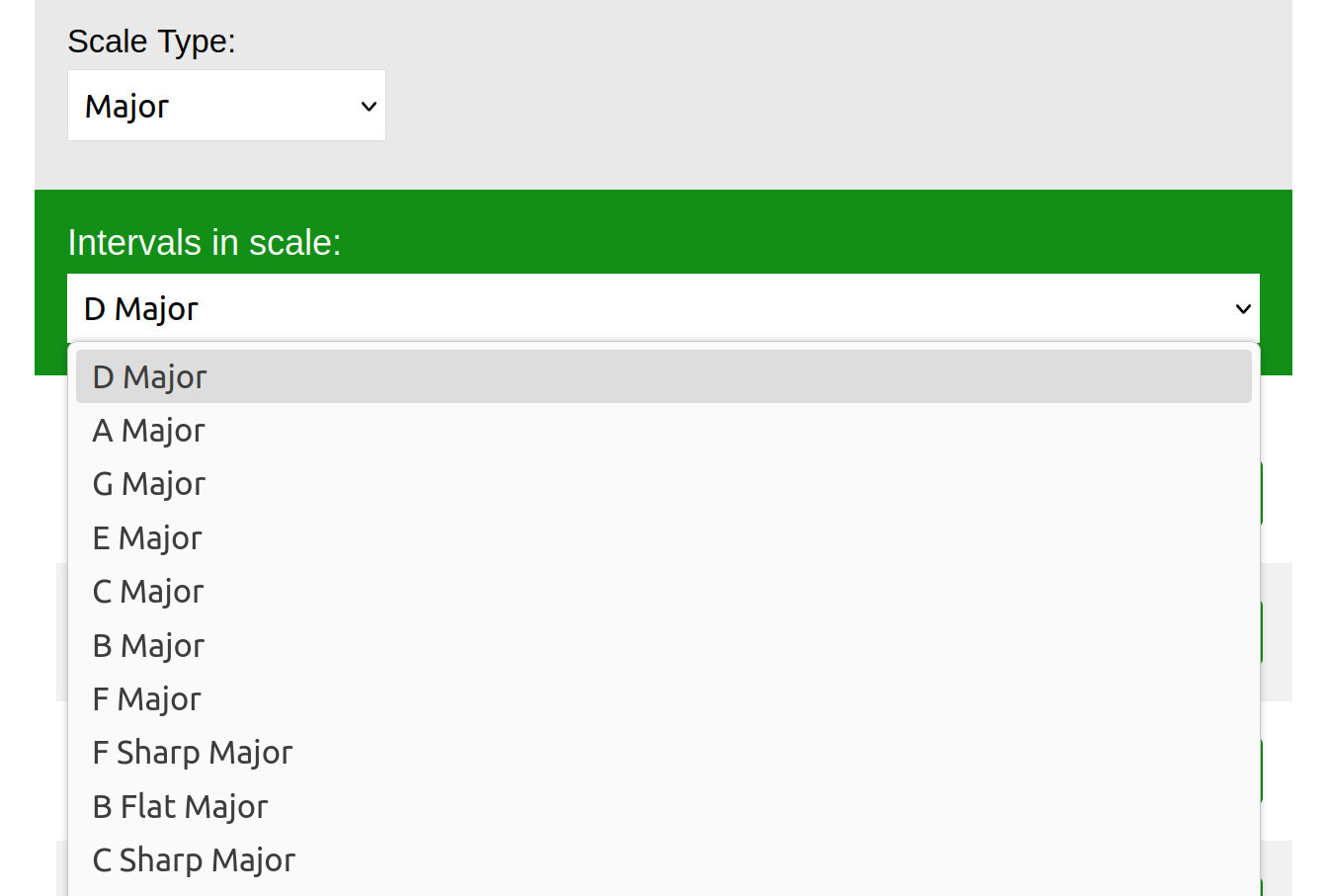
The tool allows you to select the type of scale (Major, minor etc), and the root note for that scale like C, D, and so on. It then generates exercises moving through that scale in different steps (thirds, fourths and so on).
Melodic figures tool
Melodic figures are short sequences of notes often encountered in real music. This tool makes it easy to take one of these figures and practice it across the whole range of your instrument.
Like the intervals tool, this tool allows you to select the type of scale and the root note for that scale, like C, D, and so on. It then generates an exercise with the chosen figure played from every note in the selected scale.
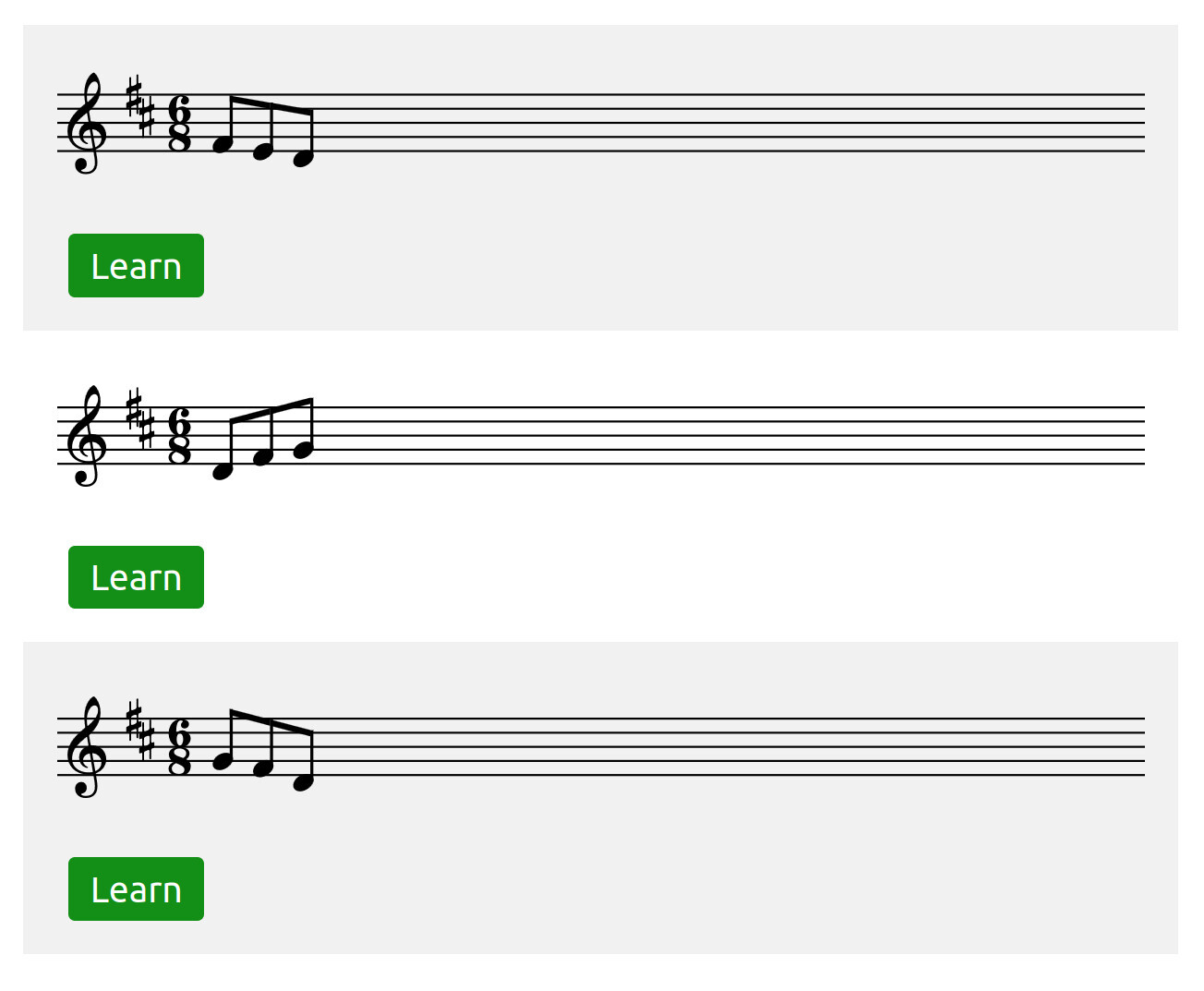
3: Practice an exercise
Once you've configured a given tool, it generates a list of exercises that you can select from. Select 'learn' next to any of these.

The exercise will open the practice tool in an overlay. You can close the overlay using the 'X' button in the top right corner, which returns you to the list of exercises.
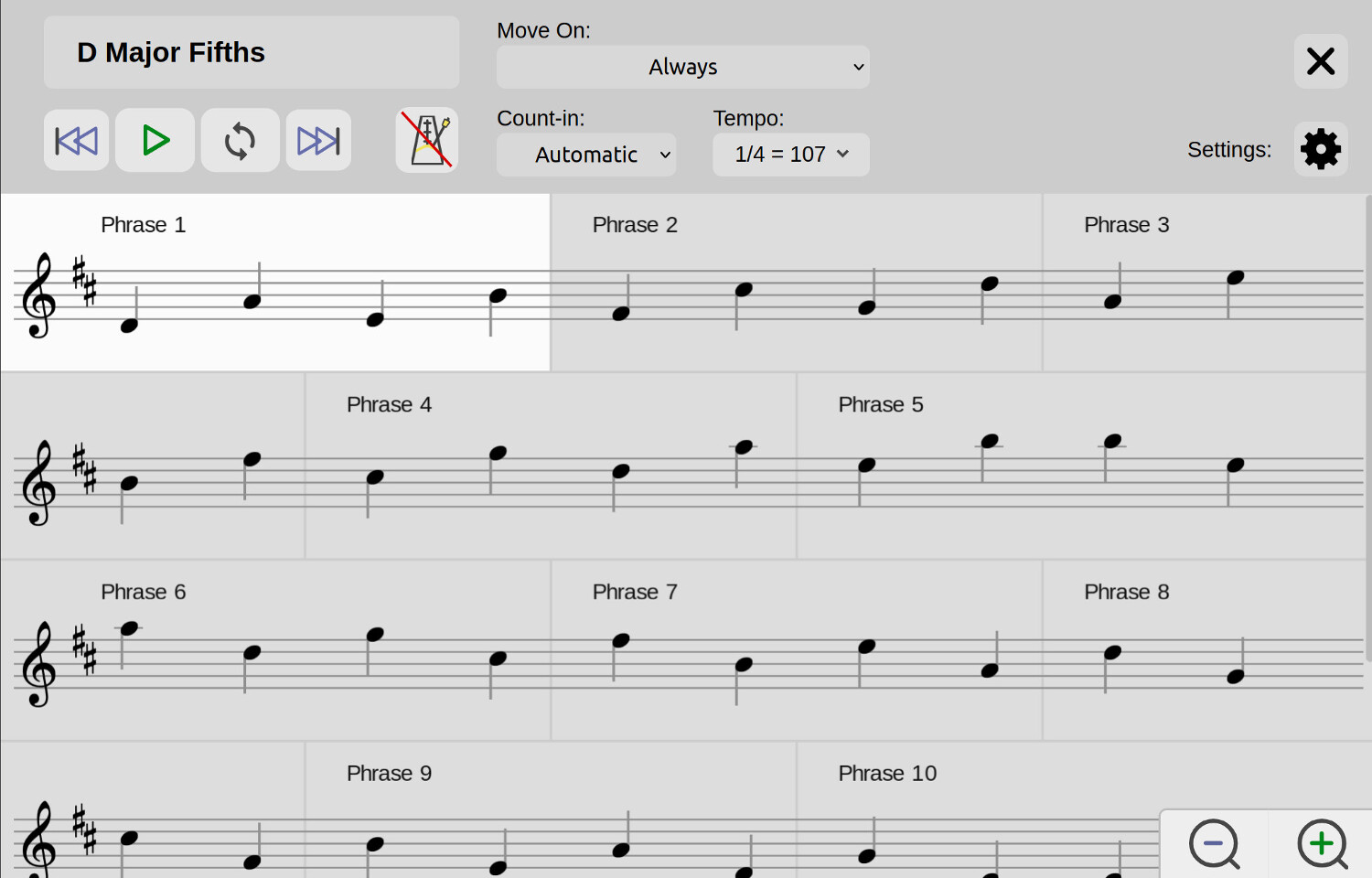
The tool splits the scale, interval, or melodic figure exercise into short phrases. It is possible to practice in several ways, either looping individual phrases, or playing the whole exercise from start to finish:
- If you're unfamiliar with the fingerings for a given scale, playing an ocarina with an unfamiliar breath curve, or playing a melodic figure you find difficult, it would be valuable to practice the exercise one phrase at a time.
- Once you can play each chunk comfortably, its easier to put the parts together and practice the whole exercise from start to finish.
Clicking / tapping the play button will play the exercise. How the tool moves from phrase to phrase is controlled using the 'move on' option.
Using the 'move on' dropdown
The 'move on' option in the top bar controls when the tool moves from one phrase to the next.
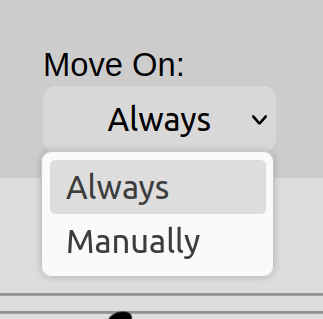
- If you set this option to 'manually', then the tool will loop a single phrase, allowing you to practice it on your instrument repeatedly.
- The 'always' option plays every phrase sequentially from start to finish.
If you'd like to practice a different in manual progression mode, you can use the next and previous phrase buttons, or click / tap on the phrase that you'd like to play.
Using loop mode
The loop feature allows you to select two or more phrases, and combine them together into a loop to practice. To get started:

- Click / tap on the loop button (the circular arrows in the transport controls).
- Click / tap on the phrases you would like to loop to select them. They change colour to indicate they are selected.
- Clicking play then loops your selection.
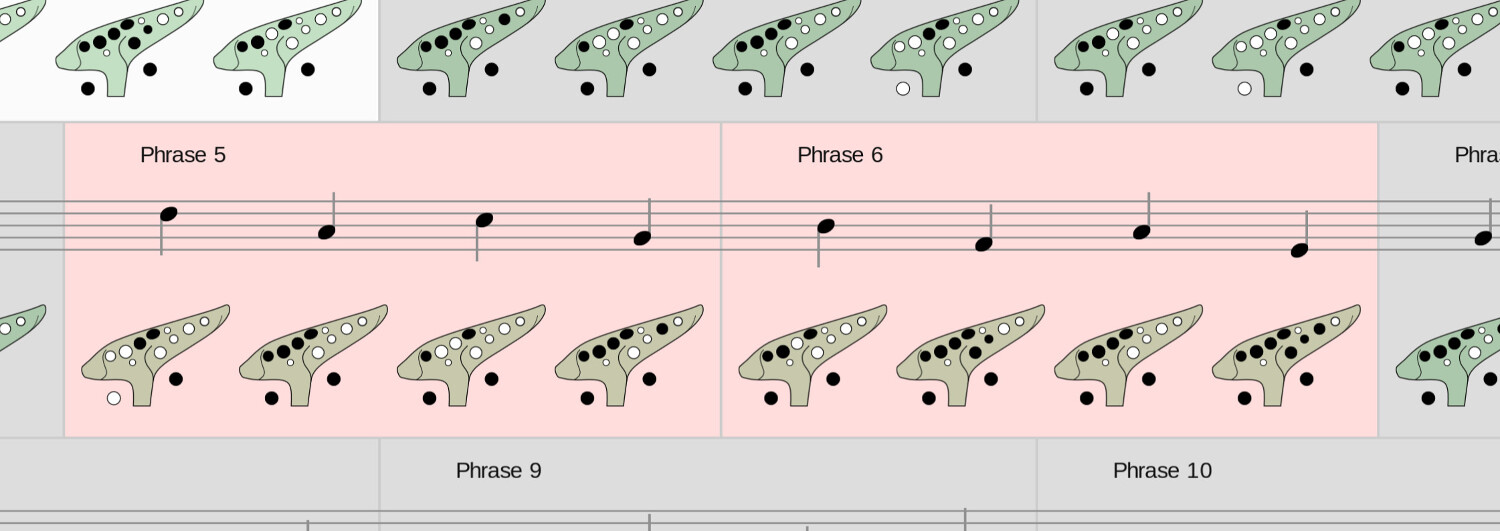
While loop mode is active, setting 'move on' to 'always' will cause the tool to loop the whole selection. Setting this option to 'manually' makes the player loop a single phrase within the selection until you tell it to move on.
Changing the phrase length
You can click / tap the gear icon in the top right corner to open the settings menu. In this menu is an option 'phrase length' which enables you to change the number of notes in each phrase of the exercise.
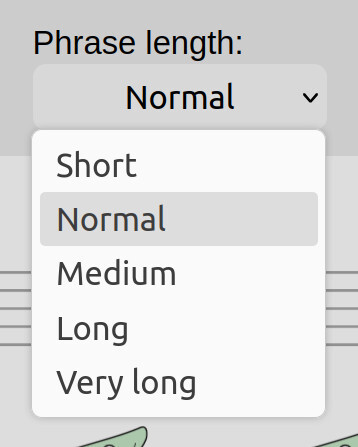
This option is also visible in the tool's top bar on large computer displays.
Changing the instrument sound
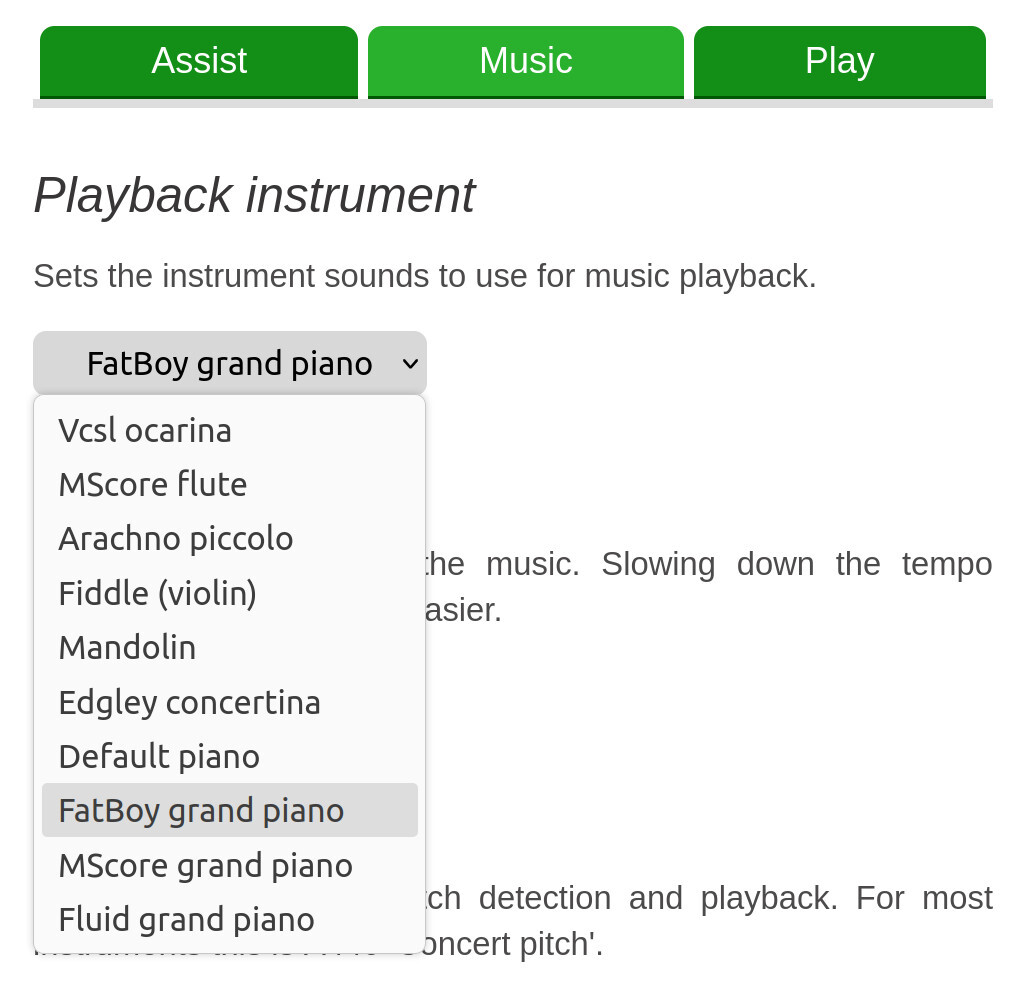
If you open the settings menu, there is an option 'playback instrument' under the 'music' tab. This changes the instrument sound you hear. It is also possible to change the pitch standard if you are playing an instrument not tuned to A440.
Other options
The tool also has options to play a metronome behind the sounded notes, vary the playback tempo, and change the duration of the count in. These can be found in the tool settings.
Tips for organising your practice
These tools intentionally do not enforce a learning order as I believe that you should be given the knowledge and freedom to practice things in the order that best aligns with the music you want to play.
I'd suggest starting by practising the native major scale of whatever instrument you have, C major for a C instrument, G major for a G instrument, and so on.
Once you can play the scale easily in sequence, then move on to practising the intervals and melodic figures in this scale. One may begin with the thirds of the scale, then moving through the fourths, fifths, and so on. Depending on your experience, you'll probably want to split this practice over several days.
Melodic figures can be approached in much the same way, either learning them in order from top to bottom, or cherry picking the ones that occur most often in your music.
Once you're comfortable with playing your instrument's native major scale, and the intervals and melodic figures in it, start working on the other keys and scale types as would be most useful for the music you play, using the same process. There is additional guidance on how to approach this in the article How to never think about your fingers again.
As you practice these exercises, you'll rapidly notice improvements in how easily you can learn new music, as well as general improvements to your ability to sight read and play by ear.